
What Are Facebook “Fes Kai” Accounts? A Buying Checklist
Understand Thai Facebook account labels and check age, country, 2FA, email access, delivered data, and product terms before ordering.
Contents(9)
- What does “fes kai” mean?
- Specifications to check
- How does this differ from aged or advertising accounts?
- Before payment and after delivery
- Browse Facebook accounts at ADSWAR
- Frequently asked questions
- Does every account include 2FA and full email access?
- Does “fes kai” always mean the cheapest account?
- Is advertising access guaranteed?
Thai listings may use the terms “fes kai”, blank accounts, white accounts, or Facebook Clone when describing Facebook accounts. This guide explains these terms and which listing details to check before choosing a product. A short label does not tell you every credential or permission included.
What does “fes kai” mean?
In this guide, this Thai term refers to Facebook accounts with limited profile information or activity, often newly created or relatively young accounts. Related labels include blank accounts, white accounts, and clone accounts. These labels do not establish one specification for every product. Check the creation year, country, email access, and delivery format of the exact listing.
A Facebook Clone category label does not by itself promise a Page, an ad account, or access to any particular feature. Those details must be stated for the product you select.
Specifications to check
| Listing detail | What to confirm before ordering |
|---|---|
| Age and creation year | Is a creation year or age range stated? Age alone does not describe other permissions or features. |
| Country and account name | Does the listing specify Thai names, another country, or a random country? |
| Two-factor authentication | Is 2FA included, and in which format are the necessary details delivered? |
| Email access | Are email credentials included, or only a way to receive codes? An email type does not always imply that an email password is supplied. |
| Included assets | Does the listing explicitly include a Page, ad account, or other permissions? Do not infer them from the word Clone. |
| Warranty | Which cases are covered, what is the reporting deadline, and which evidence should you retain? |
How does this differ from aged or advertising accounts?
An aged-account label describes age or creation year. Advertising-account and green-account labels require you to read the specific advertising permissions in the listing. A new or general clone account should not be assumed to have advertising access, a spending limit, or completed verification. If you need an advertising feature, choose a product that explicitly specifies it.
For a detailed age comparison, read how to compare new and aged Facebook accounts. This article focuses on interpreting product labels and checking what will be delivered.
Before payment and after delivery
- Compare the actual specifications, then confirm any minimum quantity, your quantity, and the checkout total.
- Read the delivery format and product terms. Ask before ordering if an important detail is unclear.
- Retain the order number and evidence if delivered data differs from the listing. Keep passwords and account details out of public posts.
- Check the delivered information under the product terms, and use accounts only within the permissions granted and the platform's terms.
A LIVE/DIE UID result shown in an order describes the check at that time. It does not guarantee that login will always work or that future restrictions cannot occur. Refer to the warranty for the product you purchased.
Browse Facebook accounts at ADSWAR
Compare products in the Facebook account category, or visit new Facebook Clone accounts to compare the age and specifications of each listing. Use current product pages for price and stock information.
Frequently asked questions
Does every account include 2FA and full email access?
No single label establishes this. Read the exact product's 2FA and email delivery specifications.
Does “fes kai” always mean the cheapest account?
Compare the current price alongside age, country, 2FA, and included data. The label alone is not enough to judge value.
Is advertising access guaranteed?
A general account label does not confirm advertising permissions. Check the selected product's features. Ad approval and usage restrictions are determined by the platform.
#Facebook#Buying guides#Account age#Delivery data formats#Account security
Related posts
Back to Blog
Facebook and business portfolios
Facebook Ad Accounts: Compare THB 1,600 and THB 8,000 Limits Before Buying
Compare ADSWAR Facebook ad account options by price, minimum quantity, beneficiary verification, payment setup, and inspection terms, with a clear distinction between account limits and ad credit.

Facebook and business portfolios
Thai Facebook Hotmail UID 6159x for 59 Baht: Thai IP, 2FA and 7 Fields
UID 6159x · See what the Thai Facebook Hotmail model includes for 59 baht, reduced from 79: Thai name, Thai IP, an age of 1–2 months, 2FA and UID|Pass|2FA|Cookie|Token|Mail|PassMail. Compare the 49-baht model and read the warranty before choosing.
Facebook and business portfolios
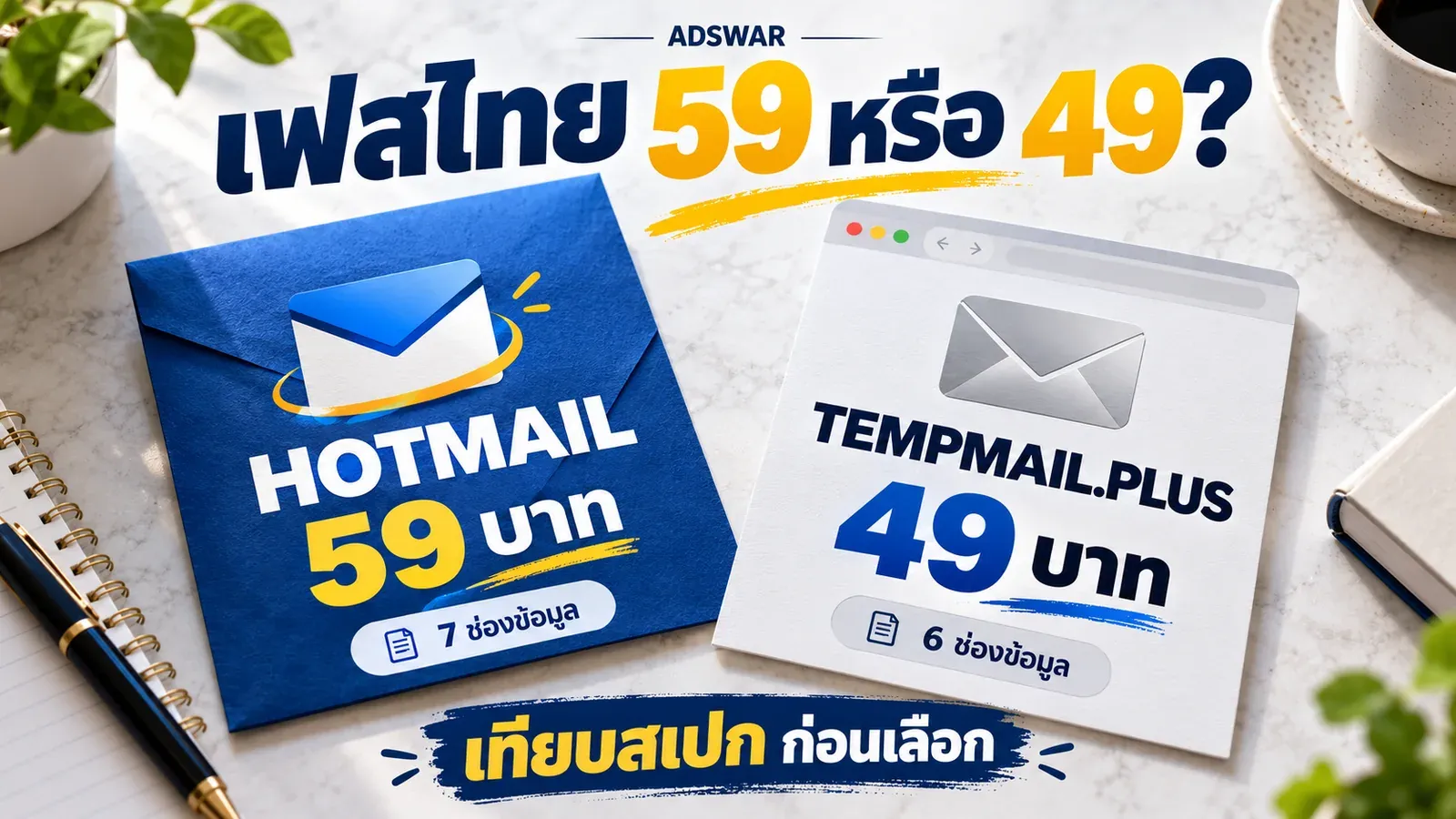
Thai Facebook Hotmail UID 6159x ฿59 vs TempMail.Plus ฿49
UID 6159x · Compare Thai-IP Hotmail ฿59 with foreign-IP TempMail.Plus ฿49: email passwords, seven versus six fields, account age and first-login warranty.