
Don’t want a Business Portfolio? Try opening your ad account here
Stuck at Business Portfolio setup? Try the direct Meta Payment Settings link, check its limits and compare ad account options at ADSWAR.
Contents(9)
- Can you skip creating a Business Portfolio?
- Try opening your ad account’s Payment Settings directly
- What if the link returns to the setup screen?
- Choosing another ad account? Compare listings at ADSWAR
- Looking for green Facebook accounts with 2–3 lines? Compare listings
- Common questions before opening Ads Manager
- Will this skip Business Portfolio creation for every account?
- Does this URL create a new Facebook ad account?
- What should I check before buying an ad account?
Don’t want to create a Business Portfolio, but Ads Manager keeps showing the setup screen? If you simply need to manage an ad account, try opening Payment Settings directly first. Some people who already have an accessible personal ad account may be able to continue without starting a new portfolio. The outcome depends on the account’s permissions and the steps Meta shows.
Compare ad account specifications, prices and stock at ADSWAR
Can you skip creating a Business Portfolio?
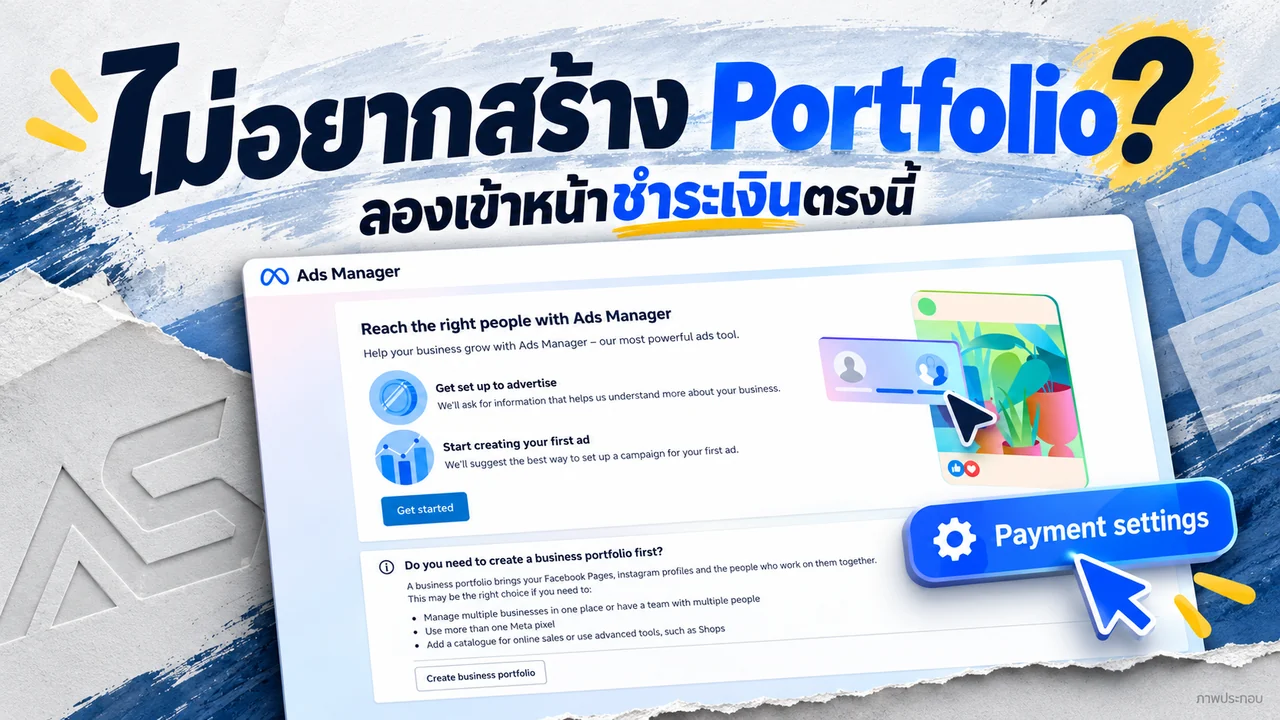
Some accounts may not need a new portfolio at this step. The illustration below recreates an Ads Manager welcome screen that presents portfolio creation as a separate option. It describes use cases such as managing multiple businesses, working with a team, using more than one Meta Pixel, or adding a catalog and tools such as Shops. Seeing that button does not prove that every account must create another portfolio first.
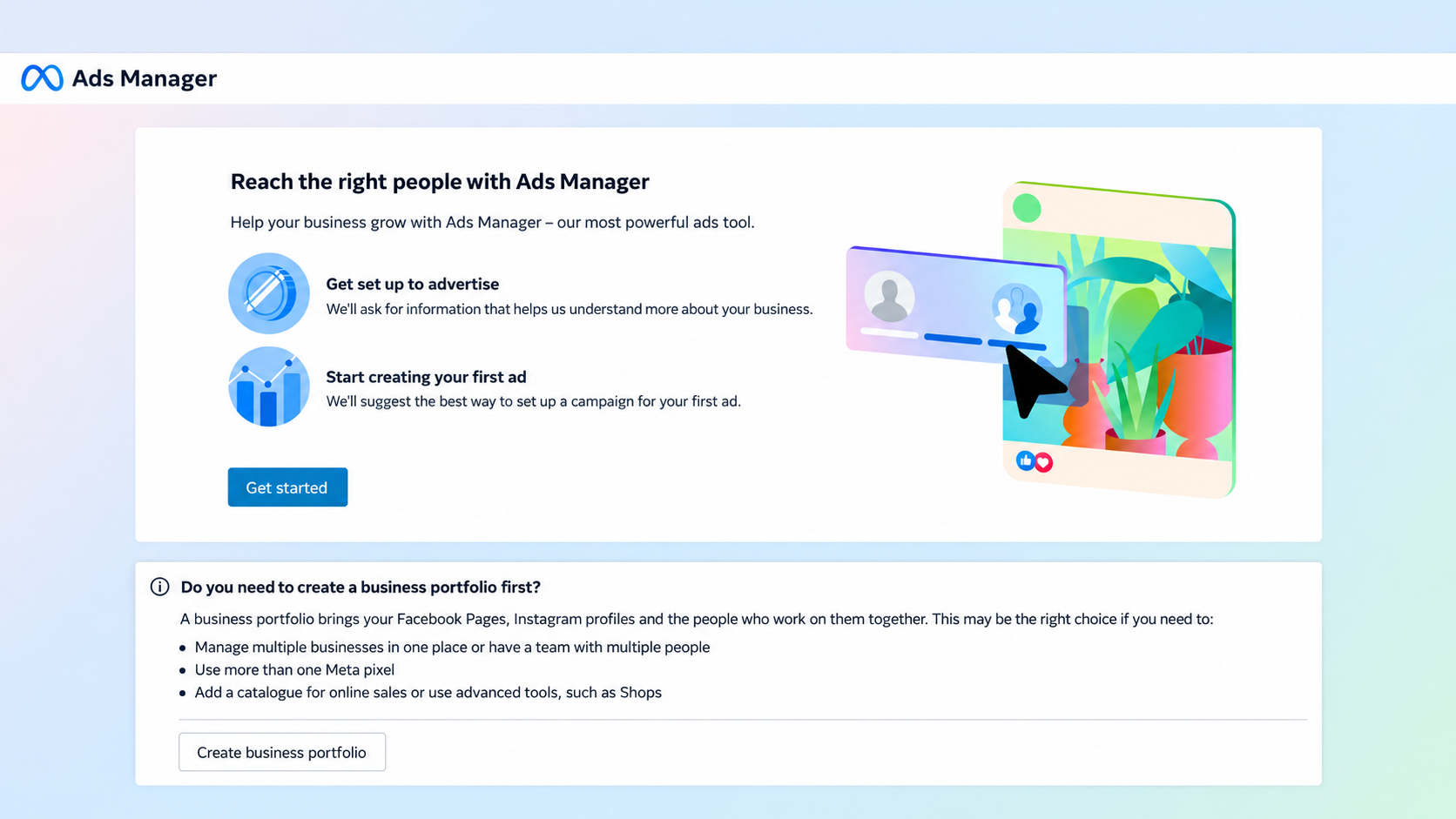
These are different things: an ad account manages campaigns and billing, while a Business Portfolio organizes business assets and access. You may also recognize the older Business Manager name. Before creating more assets, check whether you already have an account or portfolio suitable for the work.
Try opening your ad account’s Payment Settings directly
Use a browser where you are signed in to the Facebook account you want to manage:
- Copy the complete URL below.
- Paste it into the browser address bar, rather than Facebook search, and press Enter.
- If Meta offers an account selector, choose the intended ad account and check its account number.
- If Payment Settings opens, review the account and payment information shown by Meta before returning to campaign management in Ads Manager.
https://adsmanager.facebook.com/adsmanager/billing_hub/payment_settings/Open Meta Payment Settings in a new tab
This is a direct route to payment settings. It saves menu navigation when your account can access the page; it does not promise to create a new ad account automatically.
What if the link returns to the setup screen?
If Meta returns you to onboarding, asks for a portfolio or requests verification, follow the instructions presented for that account. The URL does not grant access, remove advertising restrictions or replace required setup.
- Wrong account: Check the Facebook login and the selected ad account.
- Missing account: Confirm that you have been granted access. Possessing a link is not an access permission.
- Restriction or verification notice: Read the stated reason and use Meta’s review or verification steps.
If you manage multiple Pages, businesses or team members, a Business Portfolio may fit your workflow better. Choose the structure your actual work needs.
Choosing another ad account? Compare listings at ADSWAR
If you have already decided to source an account for separate work, compare ADSWAR’s listings in one place. Check account type, stated limits, delivered fields, price and current stock. Open the full listing before you pay instead of deciding from a short “ready for ads” label.

Ad Accounts – THB 1,600–8,000 Limit3
View all- 997 accounts3 sold
THB 675
THB 990
- Facebook Account with Ad Account | THB 8,000 Limit | 2009–2024 | Minimum 5Charge cover <THB500; terms applyBeneficiary verifiedEmail receives verification codes+2995 accounts5 sold
THB 2,299
price per account
- Facebook Account with Ad Account | THB 8,000 Limit | 2009–2024 | Minimum 1Charge cover <THB500; terms applyBeneficiary verifiedEmail receives verification codes+2997 accounts3 sold
THB 2,499
price per account
See available ad account listings and choose your order
Looking for green Facebook accounts with 2–3 lines? Compare listings
Browse ADSWAR’s green Facebook account listings with 2–3 lines and compare the stated limits, account year and delivered fields. “Green Facebook” is a product category name; use each listing’s specifications to understand what you receive. Choose the matching option and order directly.

Facebook Green Accounts (2–3 Lines)8
View all- Facebook Green Account (2-Line) | Created 2025 | 2FA Enabled | Ads Available | UID 6158xGreen check hiddenNo payment cardMost allow information changes+1UID|Password|2FA|Email|Email password|Recovery email95 accounts11 sold
THB 135
THB 155
- Facebook Green Account (2-Line) | Created 2025 | 2FA Enabled | Ads Available | UID 6157xGreen check hiddenNo payment cardMost allow information changes+1UID|Password|2FA|Email|Email password|Recovery email100 accounts19 sold
THB 159
THB 199
- Facebook Green Account (3-Line) | Created 2025 | 2FA Enabled | Ads Available | UID 6157xGreen check hiddenNo payment cardMost allow information changes+1UID|Password|2FA|Email|Email password|Recovery email62 accounts24 sold
THB 179
THB 199
Compare green Facebook accounts with 2–3 lines and choose your order
If you specifically need BM or a Business Portfolio, compare the BM category instead.
Check the warranty: Terms vary by product. Most Facebook listings cover incorrect delivered information or specification mismatches present before use, not issues arising from later use, such as restrictions or suspension.
Common questions before opening Ads Manager
Will this skip Business Portfolio creation for every account?
No universal outcome can be promised. An account with an existing accessible ad account may reach Payment Settings, while another may still need setup or verification.
Does this URL create a new Facebook ad account?
It points to Payment Settings, not a guaranteed account-creation process. If there is no usable account to select, follow the creation steps Meta presents.
What should I check before buying an ad account?
Start with your intended work, then compare the account type, specifications, delivered information, price, stock and product warranty. For team access or specific assets, ask ADSWAR before buying.
Keep your project moving with the right account type. Compare the current listings, read the details and order the option that fits your work at ADSWAR.
Check prices and choose an ad account at ADSWAR
Further information from Meta: About Business Portfolios and Creating an ad account in Ads Manager. Some pages require a login.
Related posts
Back to Blog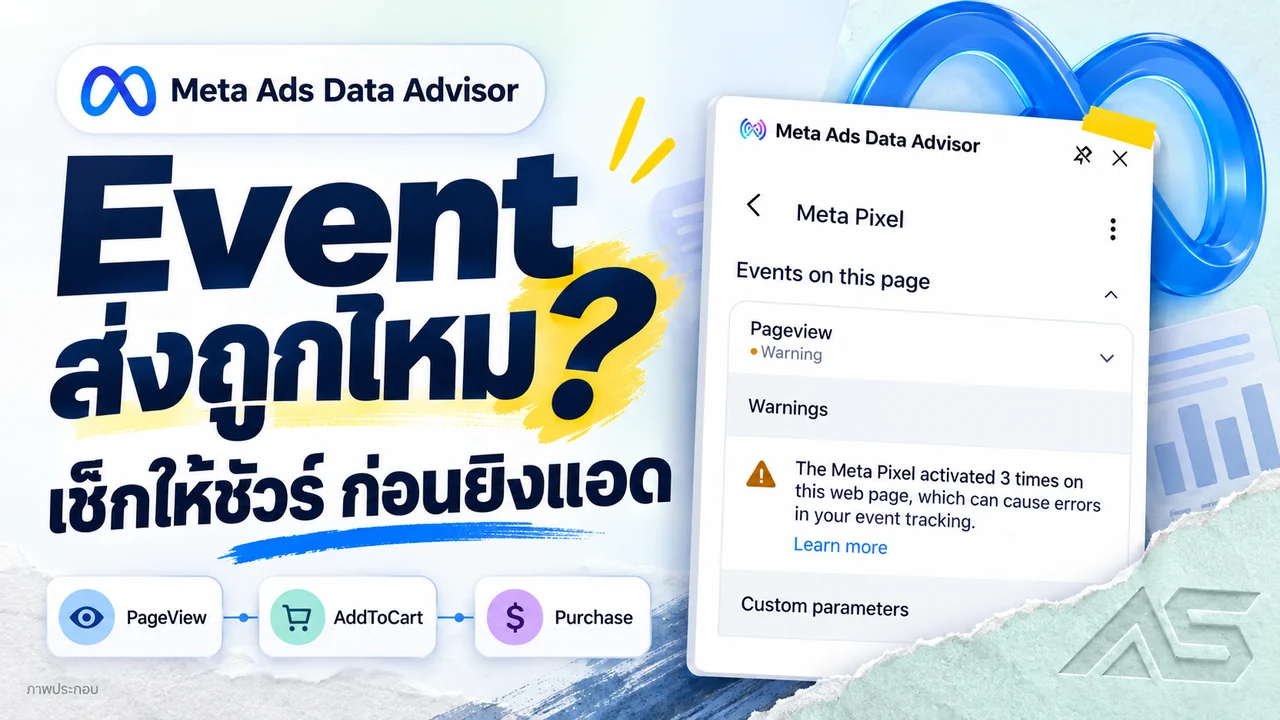
Facebook and business portfolios
Meta Pixel Helper Has a New Name: Check Events Before Scaling Ads
Meta Pixel Helper is now Meta Ads Data Advisor. Match Facebook events to real purchases, check Purchase and CAPI data, and compare advertising accounts and BM at ADSWAR.

Facebook and business portfolios
Cannot change your Facebook password? Keep your project moving
Facebook blocking password changes on an unfamiliar device? Understand the notice, what waiting means and how to compare another account at ADSWAR.

Facebook and business portfolios
Hidden green Facebook checkmark in 2026? Read the access status
A green Facebook checkmark is missing? Read the restoration message, inspect each asset and compare current green-account specifications and stock.