
Green Facebook accounts: how to check 2-line and 3-line listings
Compare 2-line and 3-line green Facebook account listings. Check profile, ad-account and BM access, delivery fields, warranty and live stock.
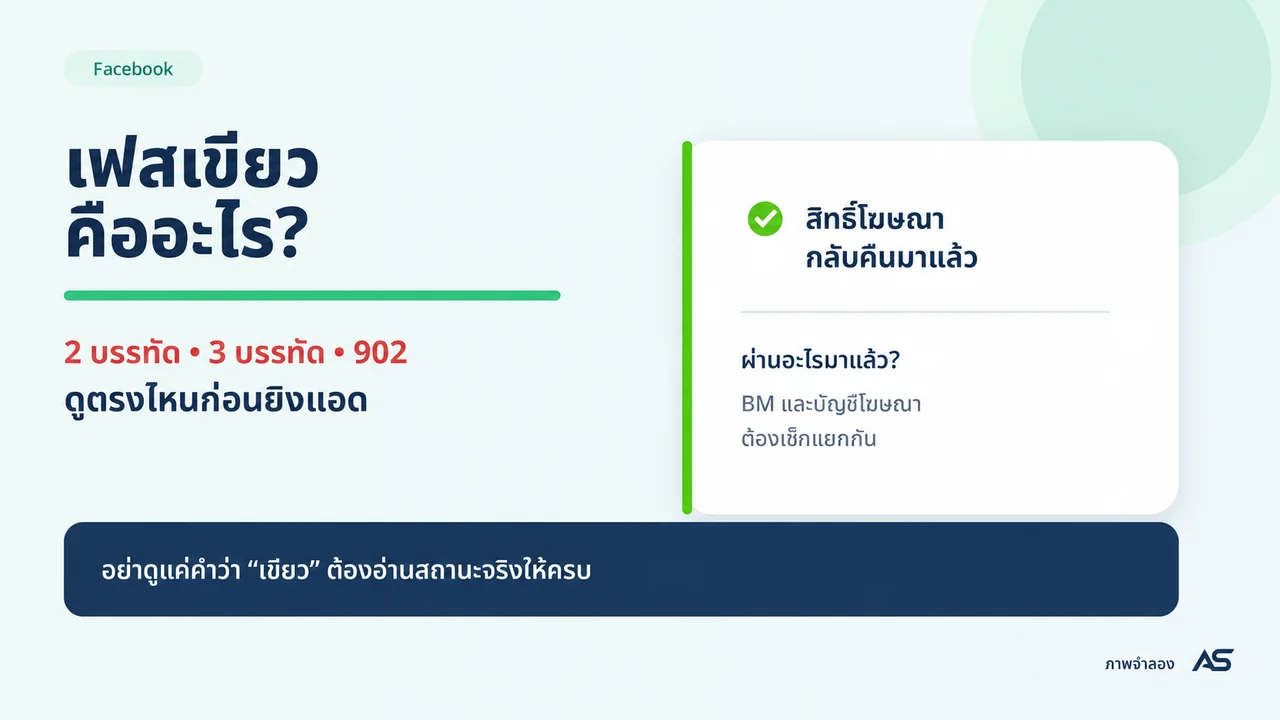
Contents(10)
- What does a green Facebook account mean?
- Are 3 lines better than 2 lines?
- Check three separate access layers
- A score or short history is not a complete status check
- Five details to compare before buying
- Need an ad account as well?
- Questions before you choose
- Will a 3-line account get every ad approved?
- Does an old green screenshot prove today's status?
- Is a green profile the same as BM?
Choosing a “green” Facebook account? Compare the actual access before the number of lines. A listing title does not tell you whether the profile, ad account and business portfolio all have the permissions you need. This guide explains what to inspect before choosing a current ADSWAR listing.
Compare current 2-line and 3-line listings
What does a green Facebook account mean?
“Green account” and “white account” are marketplace descriptions, not official Meta quality grades. Sellers commonly use green to describe an advertising-access notice showing normal or restored access. White may describe a general account or one without that specific status description. Read the individual listing instead of assuming every seller means the same thing.
A profile status does not certify every associated ad account, Page or business portfolio. It also does not guarantee future ad approval. Check exactly which assets the listing includes.
Are 3 lines better than 2 lines?
Line counts describe the displayed notice as sellers classify it. They are not a standardized account-strength score. Language, screen width and interface layout can change where text wraps. Ask what the complete notice says and which asset it refers to.
| Check | 2-line listing | 3-line listing |
|---|---|---|
| What the label describes | A seller's notice classification | Another notice classification |
| Evidence to check | Full wording, asset and check date | Full wording, asset and check date |
| What it cannot guarantee | Future approval or unrestricted use | Future approval or unrestricted use |
Compare account year, email access, 2FA, delivery fields, included assets and warranty before paying extra for a line-count label.
Check three separate access layers
Sign in with an authorized account and open Business Support Home or the account-status page available to you. Select the correct asset; labels may vary.
These examples illustrate different notice wording. They do not prove the status of any account or establish an official Meta line-count standard.
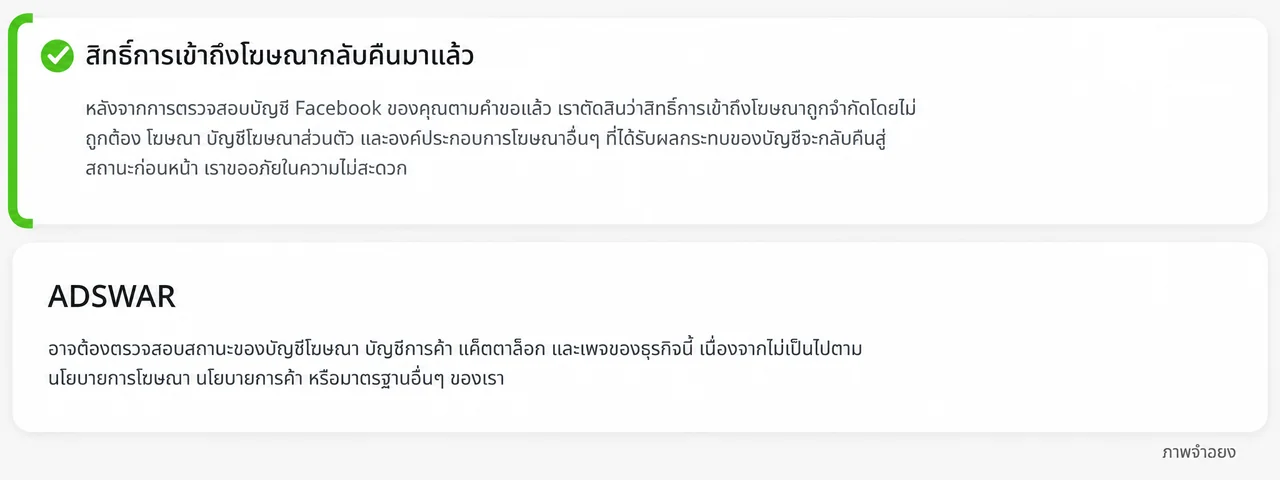
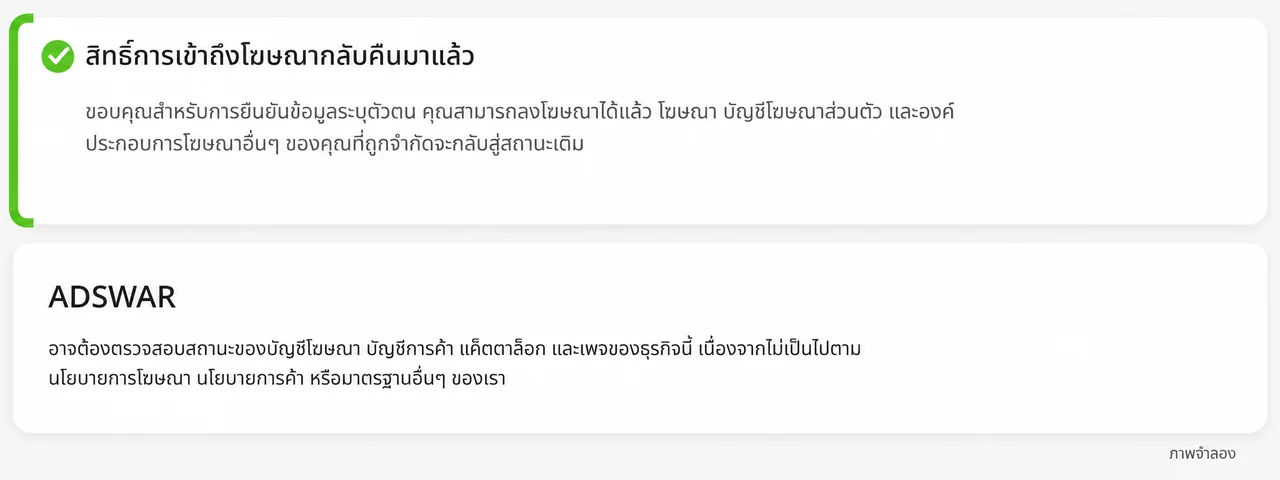
- Facebook profile: inspect its advertising-access restrictions and outstanding tasks.
- Ad account: inspect the intended account, verification requests, restrictions and payment information.
- Business portfolio: check your asset permissions and outstanding requests. Inspect the relevant Page separately.
For example, normal profile access and an ad-account beneficiary verification request can coexist. Resolve the task attached to that ad account instead of treating the profile notice as universal clearance.
A score or short history is not a complete status check
A notice about no rejected ads during a period only answers that limited question. A recommendation score should not replace the actual access and restriction notices. If a screenshot shows only a green check, ask for the section heading and full message, with personal information hidden.
Five details to compare before buying
- Scope: profile only, or explicitly included ad account, Page or BM.
- Access: readable email and 2FA where stated in the listing.
- Delivery format: the exact UID, password, 2FA and email fields for that model.
- Quantity: minimum purchase and whether the price is per account or bundle.
- Warranty: start point, duration and exclusions before logging in or changing information.
These listings load current store prices and stock. Checkout checks availability and the final amount again.

Facebook Green Accounts (2–3 Lines)8
View all- Facebook Green Account (2-Line) | Created 2025 | 2FA Enabled | Ads Available | UID 6158xGreen check hiddenNo payment cardMost allow information changes+1UID|Password|2FA|Email|Email password|Recovery email154 accounts7 sold
THB 135
THB 155
- Facebook Green Account (2-Line) | Created 2025 | 2FA Enabled | Ads Available | UID 6157xGreen check hiddenNo payment cardMost allow information changes+1UID|Password|2FA|Email|Email password|Recovery email121 accounts2 sold
THB 159
THB 199
- Facebook Green Account (3-Line) | Created 2025 | 2FA Enabled | Ads Available | UID 6157xGreen check hiddenNo payment cardMost allow information changes+1UID|Password|2FA|Email|Email password|Recovery email80 accounts13 sold
THB 179
THB 199
Need an ad account as well?
Inspect the Facebook ad-account category rather than assuming every profile includes one. If an existing account is restricted, address the request or review process through Meta. Buying a product does not remove an existing enforcement decision.
If the issue concerns identity disclosure, read the beneficiary and payer verification guide. For asset structure, see our BM guide.
Questions before you choose
Will a 3-line account get every ad approved?
No. Content, payment, account status and applicable requirements still matter.
Does an old green screenshot prove today's status?
No. Check the same asset when receiving the product within its warranty conditions.
Is a green profile the same as BM?
No. A profile is a user account; a business portfolio manages business assets.
Related posts
Back to Blog
Facebook and business portfolios
Hidden green Facebook checkmark in 2026? Read the access status
A green Facebook checkmark is missing? Read the restoration message, inspect each asset and compare current green-account specifications and stock.
Facebook and business portfolios
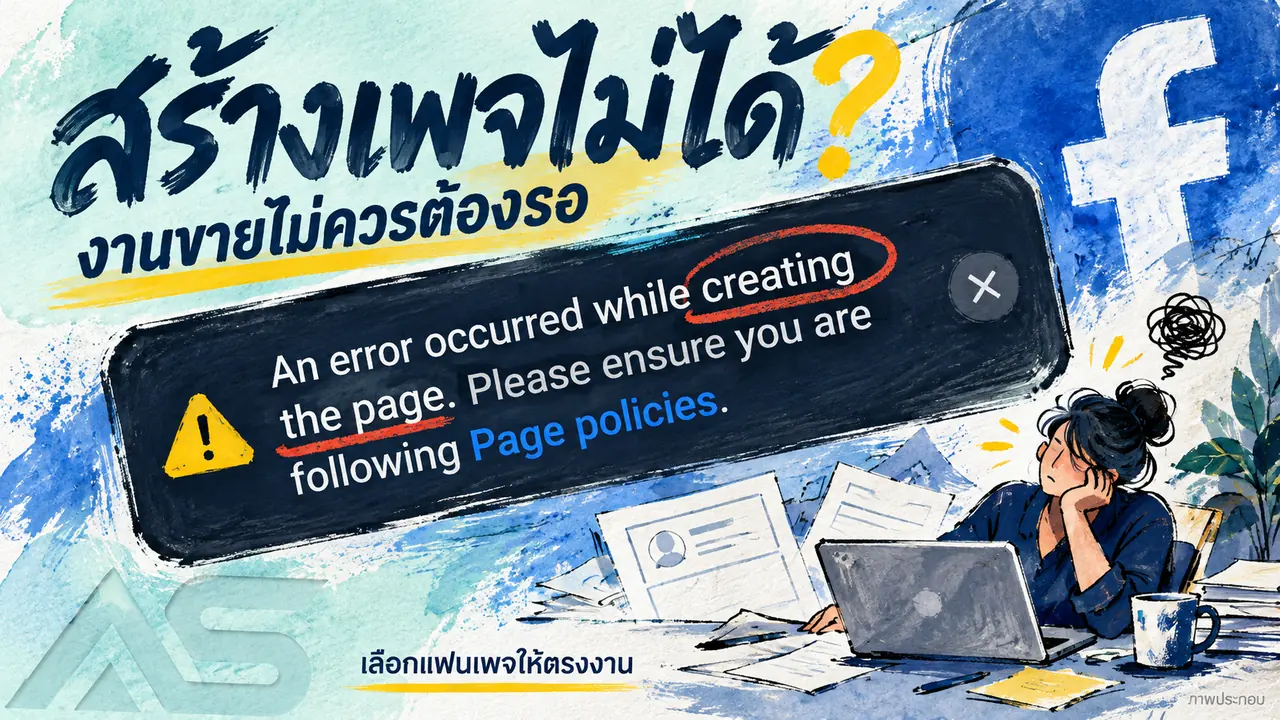
Cannot create a Facebook Page? Check the error and compare Fanpages
Facebook Page creation shows a Page policies error? Check the message, account access and options, then compare Fanpage prices, stock and handover terms.

Facebook and business portfolios
Facebook cannot post? Keep work moving and compare account options
Distinguish Facebook app errors, removed posts and account restrictions. Check the status and compare new, aged and friend-count account listings.